| QuickStart | Tutorials | Download | Purchase | Support |
| Reference |  DAuthorize DAuthorize |
 DBuild DBuild |
 DBuy DBuy |
 DCheck DCheck |
 DColorize DColorize |
 DDelete DDelete |
 DDiagnose DDiagnose |
 DEdit DEdit |
 DEmbed DEmbed |
 DExtrude DExtrude |
 DHatch DHatch |
 DHelp DHelp |
 DMerge DMerge |
 DMesh DMesh |
 DOrder DOrder |
 DProject DProject |
 DRead DRead |
 DRemesh DRemesh |
 DRepair DRepair |
 DSeparate DSeparate |
 DUpdate DUpdate |
| Tutorial Navigation: | Example 0 | Example 1 | Example 2 | Example 3 | Example 4 | Example 5 |
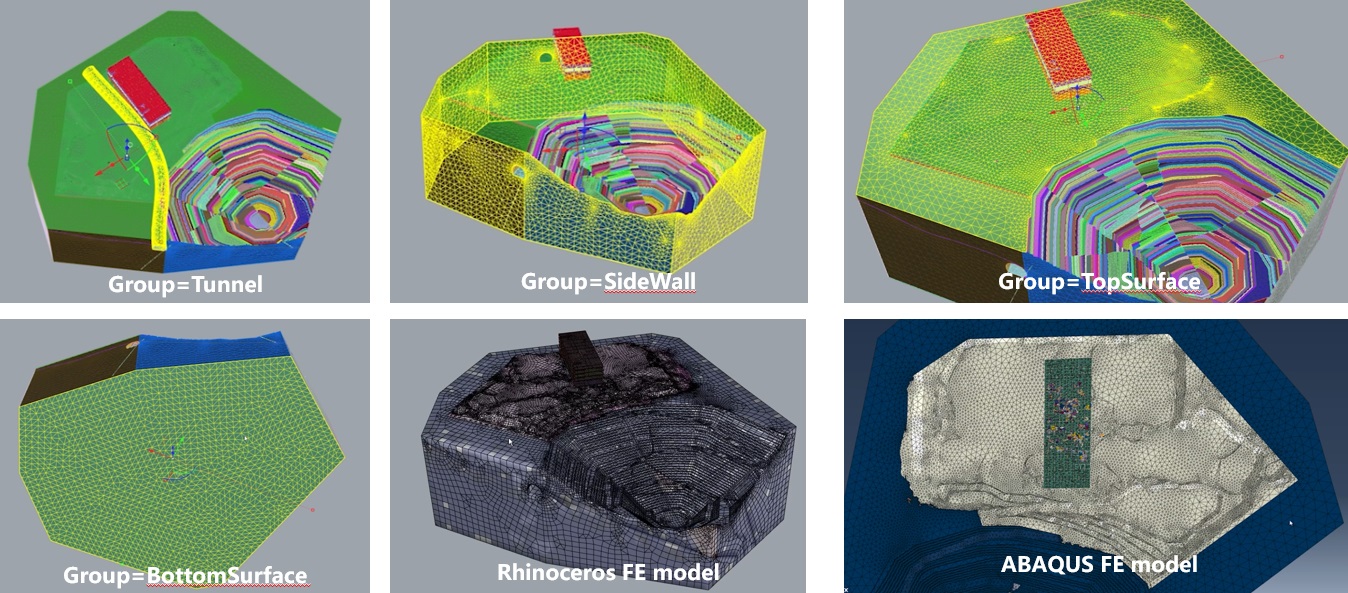
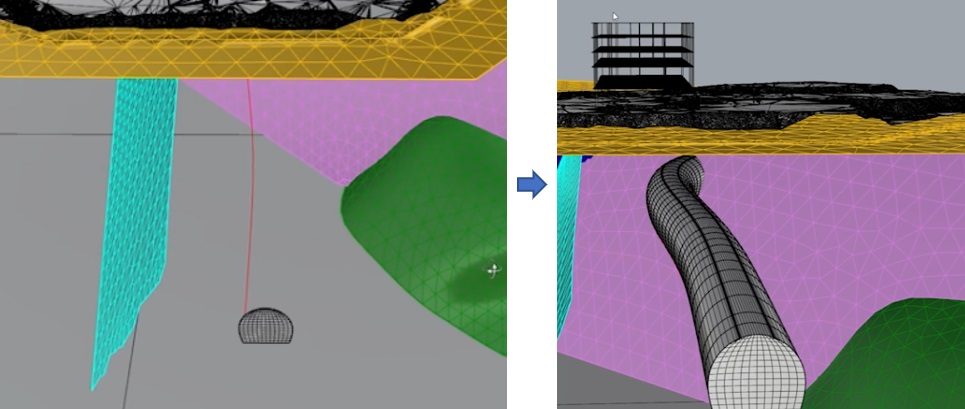
1. Use the DMesh command on the tunnel cross-section to create the tunnel section mesh, then select this mesh and the tunnel alignment curve and use DExtrude to generate the tunnel mesh.
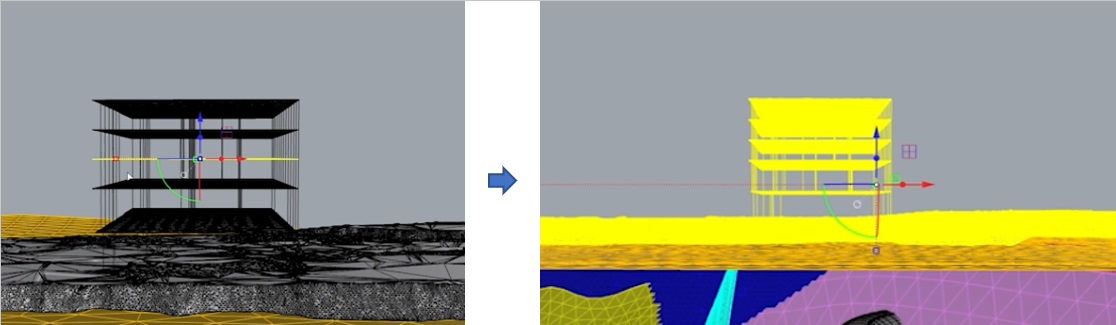
2. Use the DEmbed command to embed beams into the slab, then use the DRepair command to fix mesh errors.
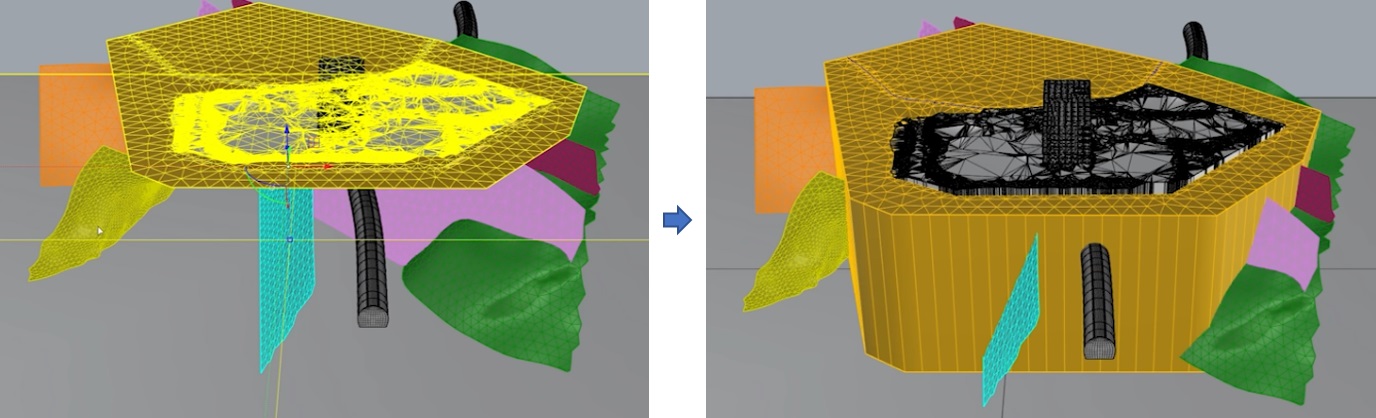
3. Select the top mesh and the bottom plane, then use the DProject command to generate the soil mesh.
4. Use the DMerge command to merge all meshes.
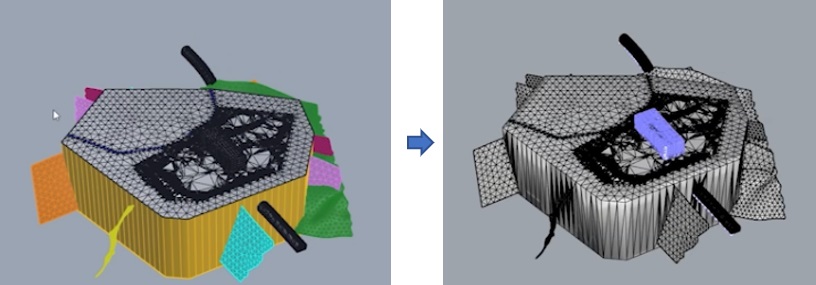
5. Use the DSeparate command to split the mesh, then delete unnecessary meshes and curves, and finally use the DColorize command for coloring.
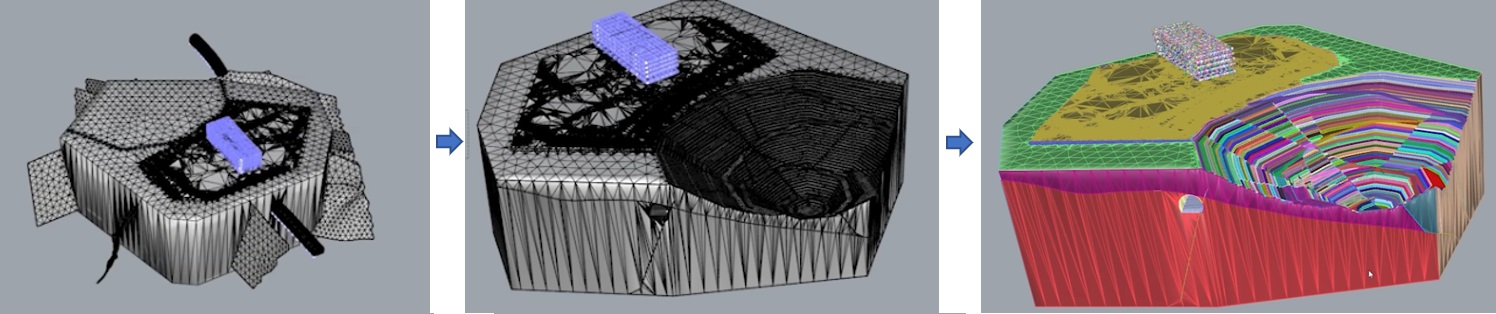
6. Select all meshes and use the DRemesh command for high-quality remeshing.
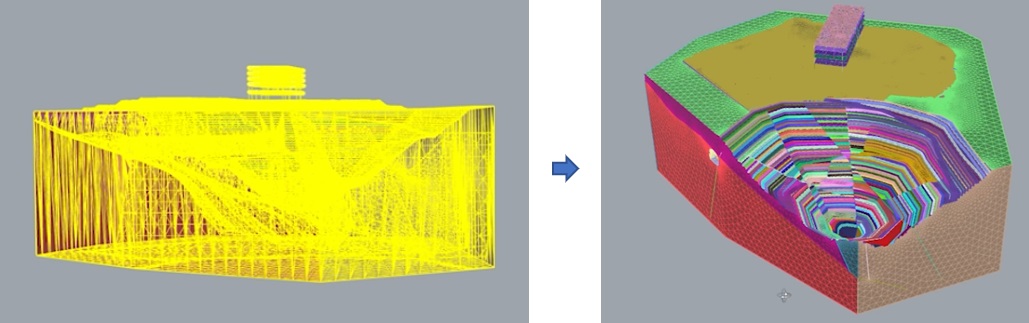
7. After setting up groups (DExample5-After.3dm), use the DBuild command to create the finite element model (ABAQUS model file: DExample5.inp).