| QuickStart | Tutorials | Download | Purchase | Support |
| Reference |  DAuthorize DAuthorize |
 DBuild DBuild |
 DBuy DBuy |
 DCheck DCheck |
 DColorize DColorize |
 DDelete DDelete |
 DDiagnose DDiagnose |
 DEdit DEdit |
 DEmbed DEmbed |
 DExtrude DExtrude |
 DHatch DHatch |
 DHelp DHelp |
 DMerge DMerge |
 DMesh DMesh |
 DOrder DOrder |
 DProject DProject |
 DRead DRead |
 DRemesh DRemesh |
 DRepair DRepair |
 DSeparate DSeparate |
 DUpdate DUpdate |
| Tutorial examples: | Example-0 | Example-1 | Example-2 | Example-3 | Example-4 | Example-5 |
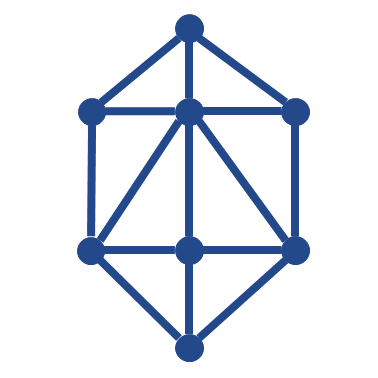
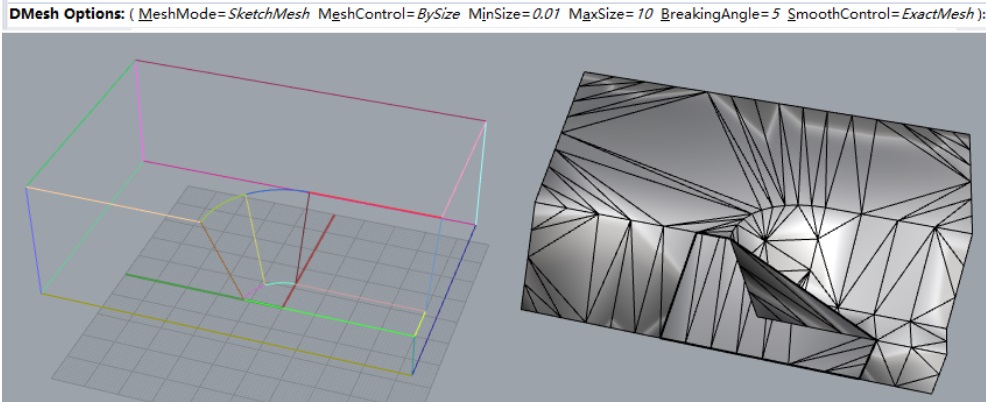
1. Use the DRead command to read the file (as shown below): DExample1.dxf, then select all curves and use the DMesh command.
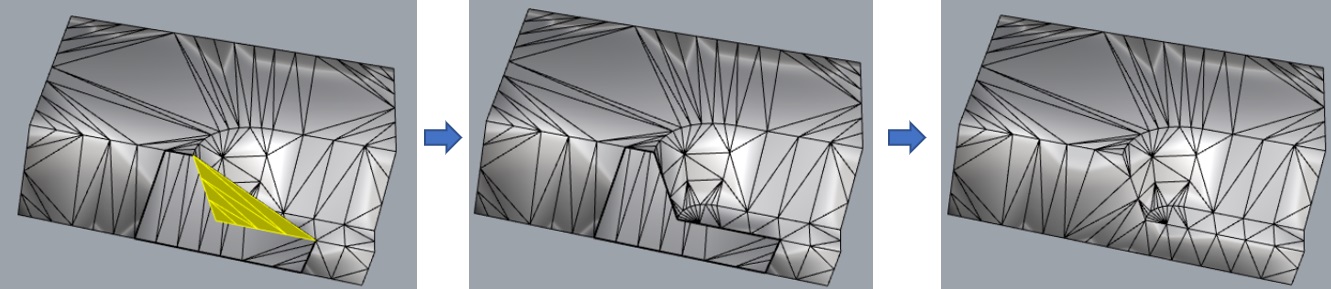
2. Use the DDelete command to delete the selected faces, then use the DRepair command to fill holes in the mesh.
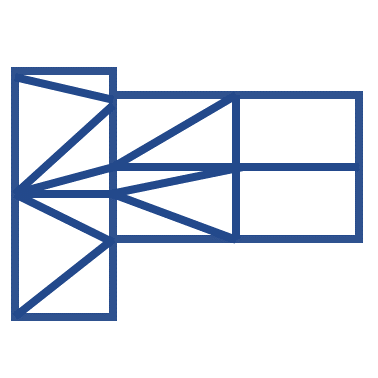
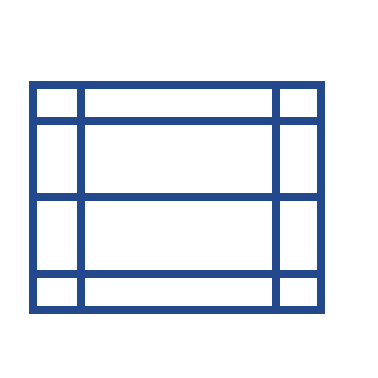
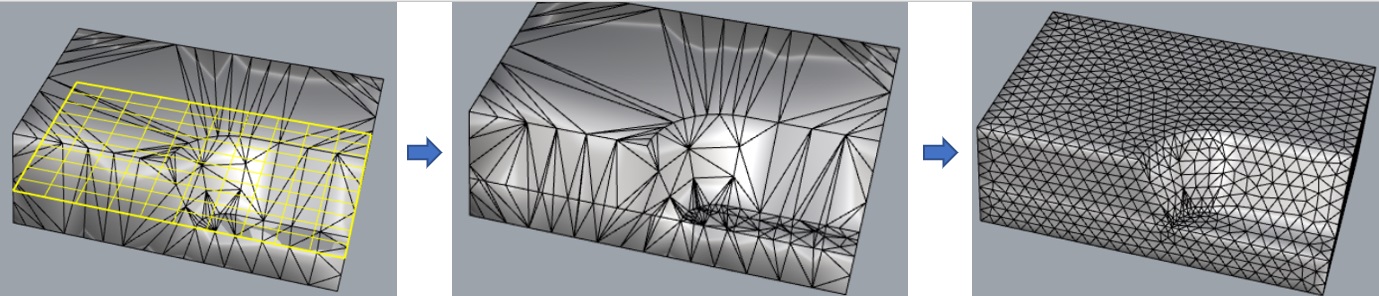
3. Use the MeshPlane command to draw a mesh plane, use the DMerge command to merge all meshes (MeshType=Joined), then use the DRemesh command for remeshing.
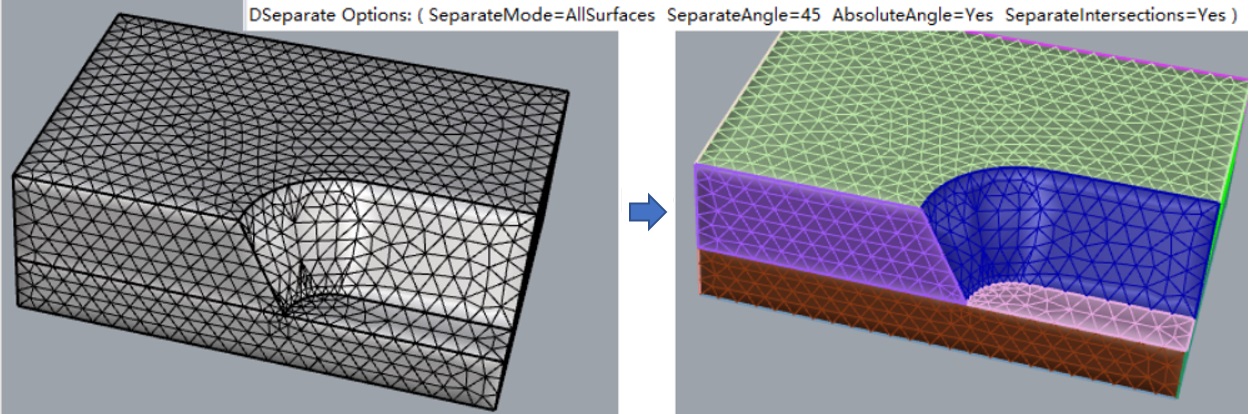
4. Use the DSeparate command to separate the meshes (SeparateMode=AllSurfaces), then use the DColorize command to color them.
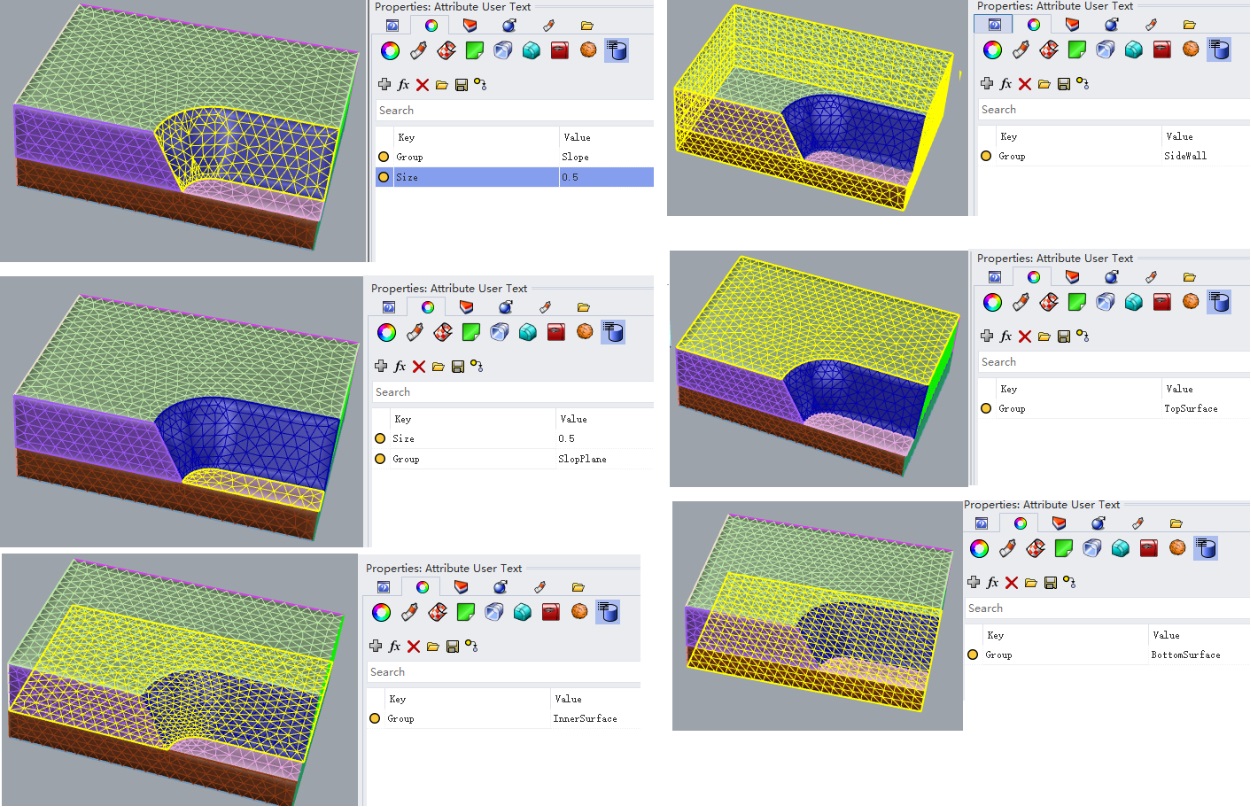
5. Set group information and mesh size for each mesh (as shown below).
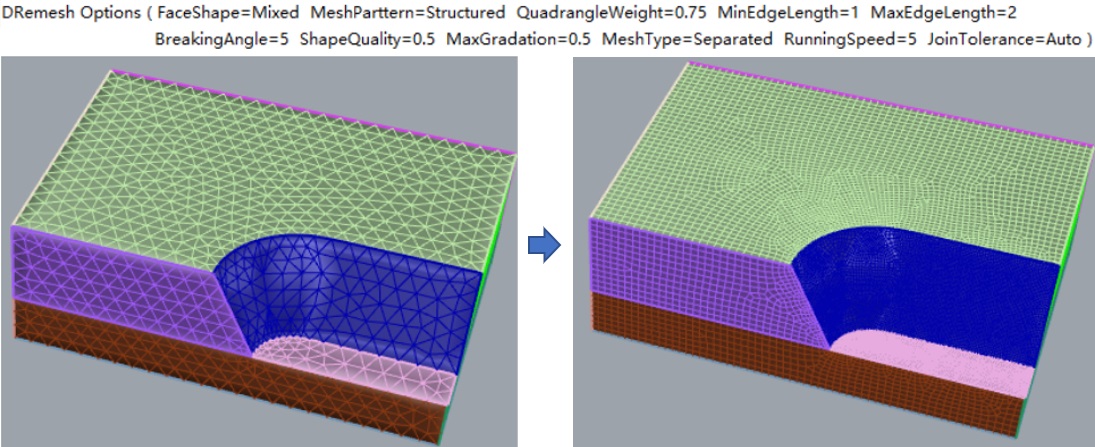
6. Use the DRemesh command to remesh these meshes again (command parameters as shown below, the result after this step: DExample1-After.3dm).
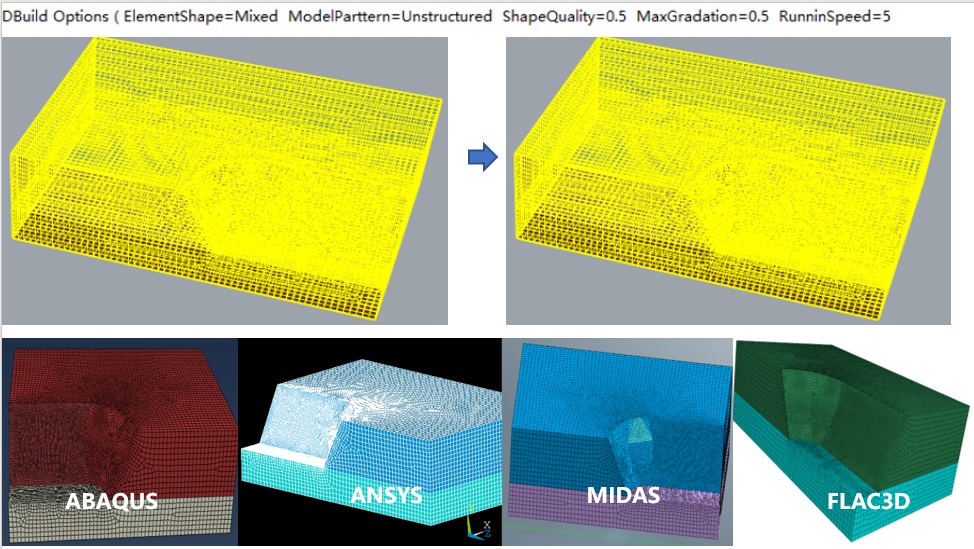
7. Use the Build command to build the finite element model and open it in finite element software (related model files are: DExample1.inp, DExample1.mac, DExample1.fpn, DExample1.f3grid and DExample1.fpn).