| QuickStart | Tutorials | Download | Purchase | Support |
| Reference |  DAuthorize DAuthorize |
 DBuild DBuild |
 DBuy DBuy |
 DCheck DCheck |
 DColorize DColorize |
 DDelete DDelete |
 DDiagnose DDiagnose |
 DEdit DEdit |
 DEmbed DEmbed |
 DExtrude DExtrude |
 DHatch DHatch |
 DHelp DHelp |
 DMerge DMerge |
 DMesh DMesh |
 DOrder DOrder |
 DProject DProject |
 DRead DRead |
 DRemesh DRemesh |
 DRepair DRepair |
 DSeparate DSeparate |
 DUpdate DUpdate |
| Tutorial Navigation: | Example 0 | Example 1 | Example 2 | Example 3 | Example 4 | Example 5 |
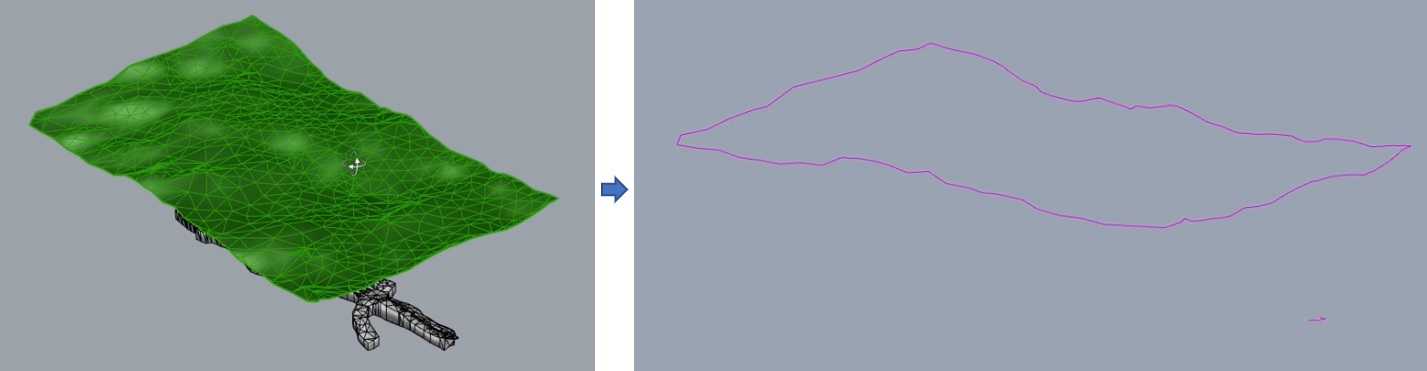
1. Use the DRead command to read the dxf file above, then use DDiagnose to check for errors, such as holes, cracks, and conflicting faces.
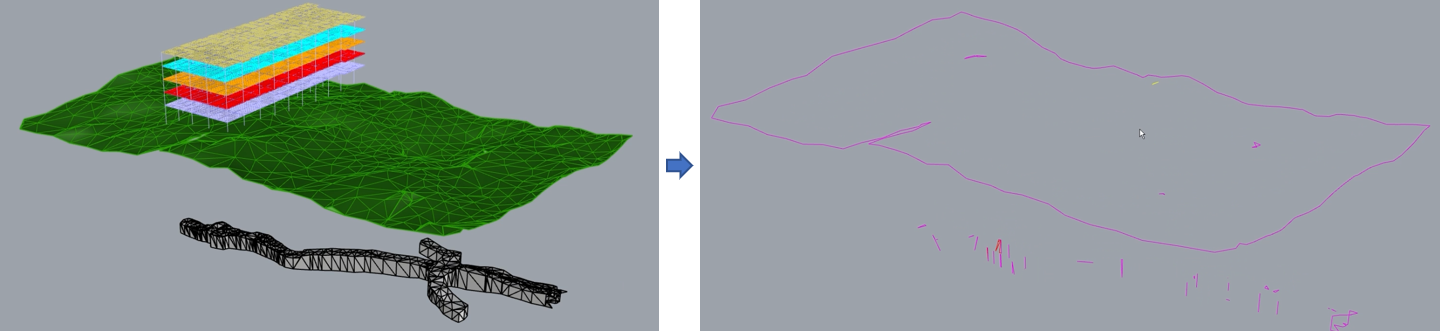
2. Use the DRepair command to fix the errors, and use DDiagnose again to verify. As shown below, all issues have been resolved.
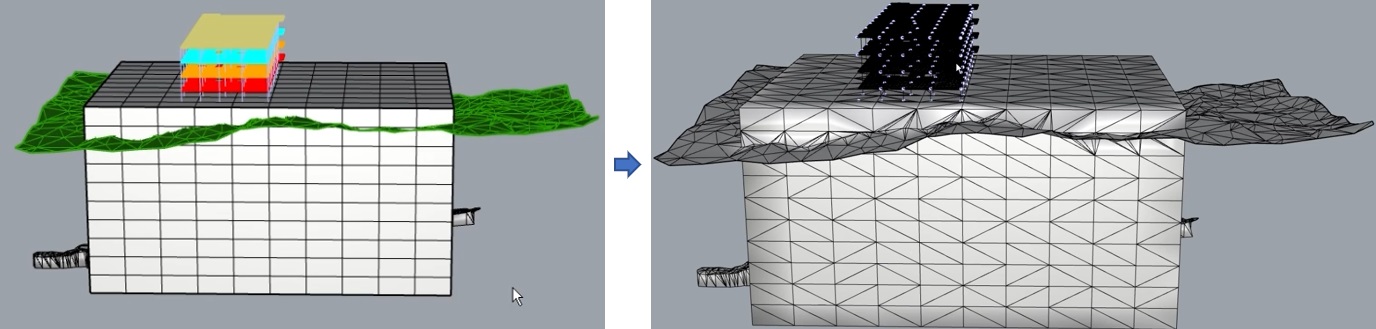
3. Use the MeshBox command to draw a box, then use DMerge to merge all meshes.
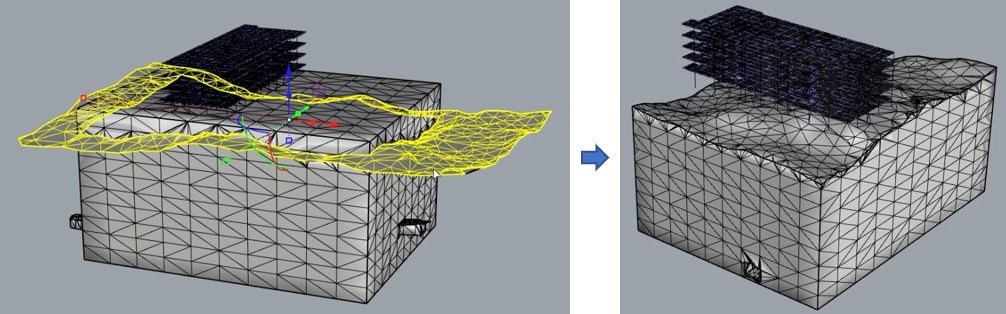
4. Use the DSeparate command to split the mesh, then delete the unnecessary meshes.
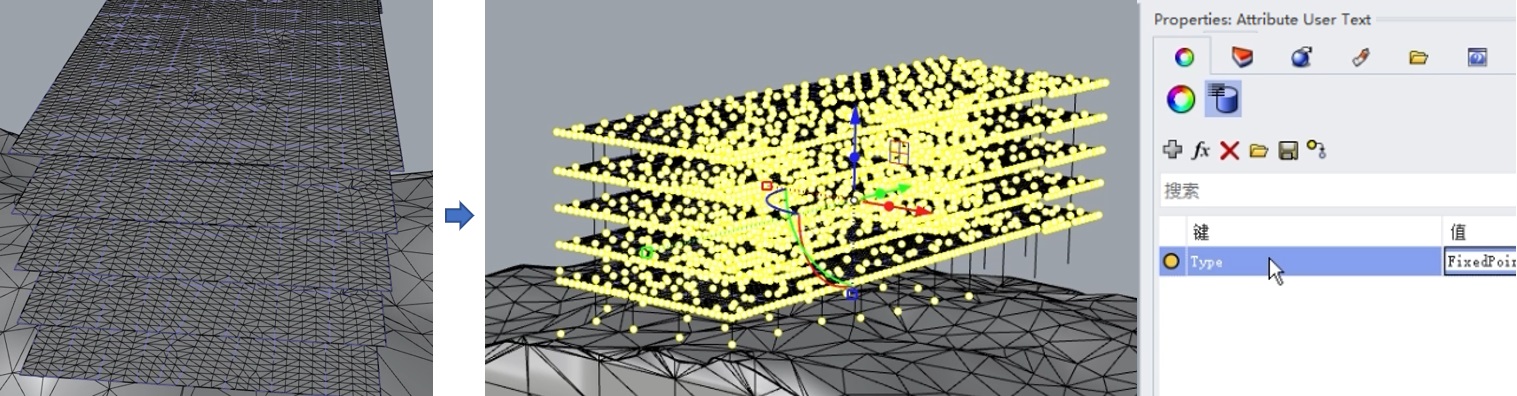
5. Use the DEmbed command to embed beams into the slab, then add the user property text Type=FixedPoint to all intersection points between polylines and the mesh.
6. Use the DRemesh command for high-quality mesh remeshing, then use DColorize for coloring.
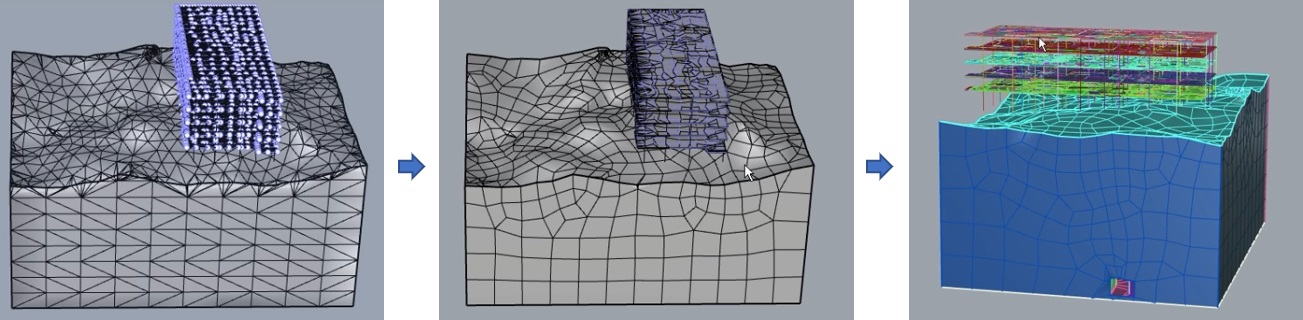
7. Set the user property text Type=LineElement for all polylines and Type=FaceElement for the mesh representing the slab, then set up mesh groups as needed (the mesh model up to this point is DExample4-After.3dm).
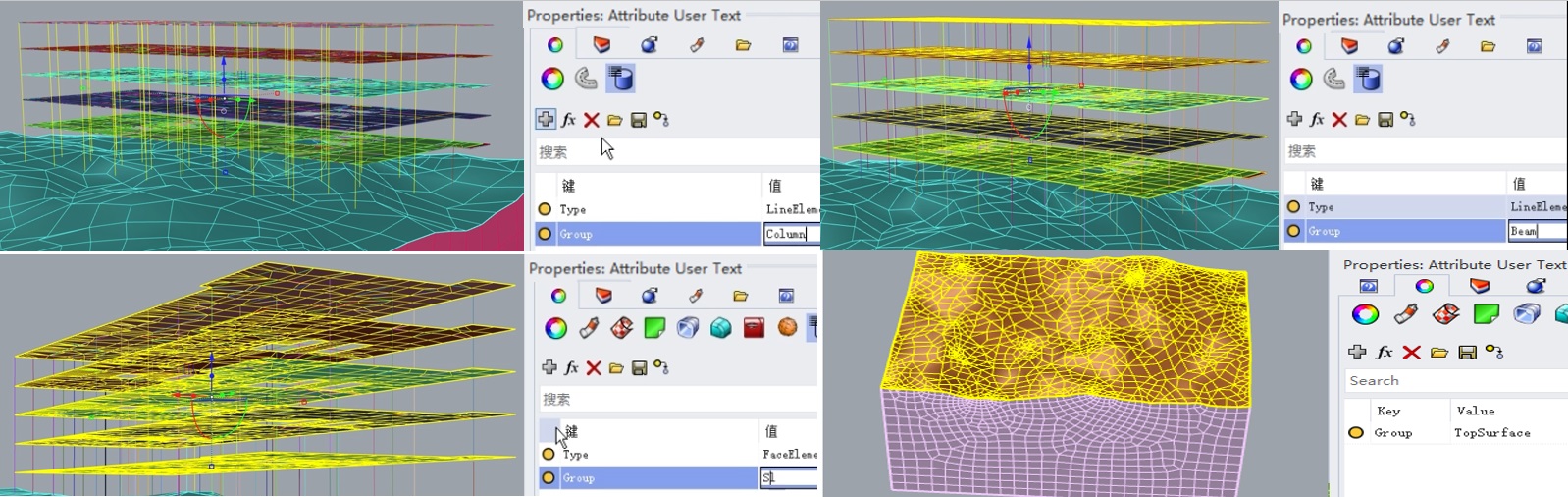
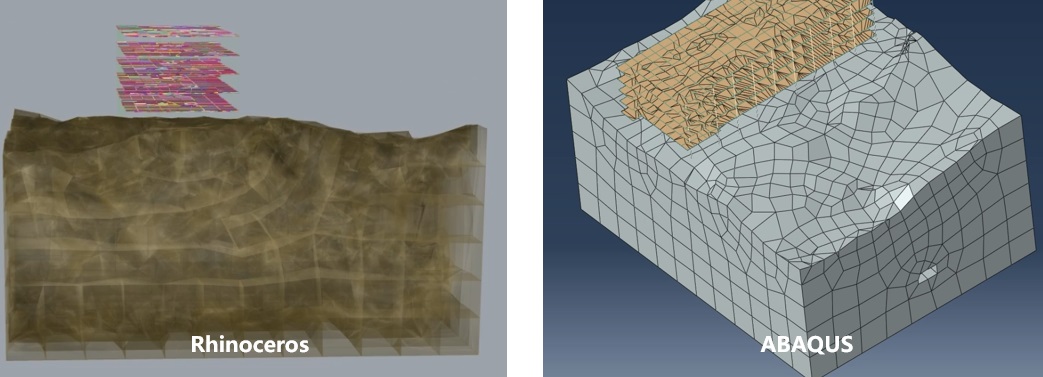
8. Finally, use the Build command to create the finite element model (ABAQUS input file: DExample4.inp).