| QuickStart | Tutorials | Download | Purchase | Support |
| Reference | ||||||
 DAuthorize DAuthorize |
 DBuild DBuild |
 DBuy DBuy |
 DCheck DCheck |
 DColorize DColorize |
 DDelete DDelete |
 DDiagnose DDiagnose |
 DEdit DEdit |
 DEmbed DEmbed |
 DExtrude DExtrude |
 DHatch DHatch |
 DHelp DHelp |
 DMerge DMerge |
 DMesh DMesh |
 DOrder DOrder |
 DProject DProject |
 DRead DRead |
 DRemesh DRemesh |
 DRepair DRepair |
 DSeparate DSeparate |
 DUpdate DUpdate |
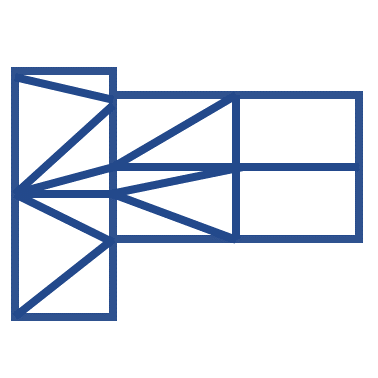
DMerge merges different meshes.
This command has the following parameters:
MeshType - Output mesh type. If MeshType = Joined, the output mesh is a single merged mesh. If MeshType = Separated, the output meshes remain separate;
ConformableMesh - Whether the output meshes share nodes at intersections. ConformableMesh = Yes for shared nodes, ConformableMesh = No for no shared nodes;
JoinClosedNodes - Whether nearby points should be merged into one point. JoinClosedNodes = Yes for merge, JoinClosedNodes = No for no merge;
JoinCurves - Whether to merge meshes and polylines. JoinCurves = Yes for merge, JoinCurves = No for no merge;
CreateIntersectionPoints - Whether to generate intersection points of meshes and polylines. These points can be used as FixedPoints for subsequent DRemesh commands;
DistanceTolerance = Point merging distance. Nodes closer than this distance will be merged into one node.
Select the meshes and polylines to be merged and run the command.
Here is an example you can try: DMerge.3dm.